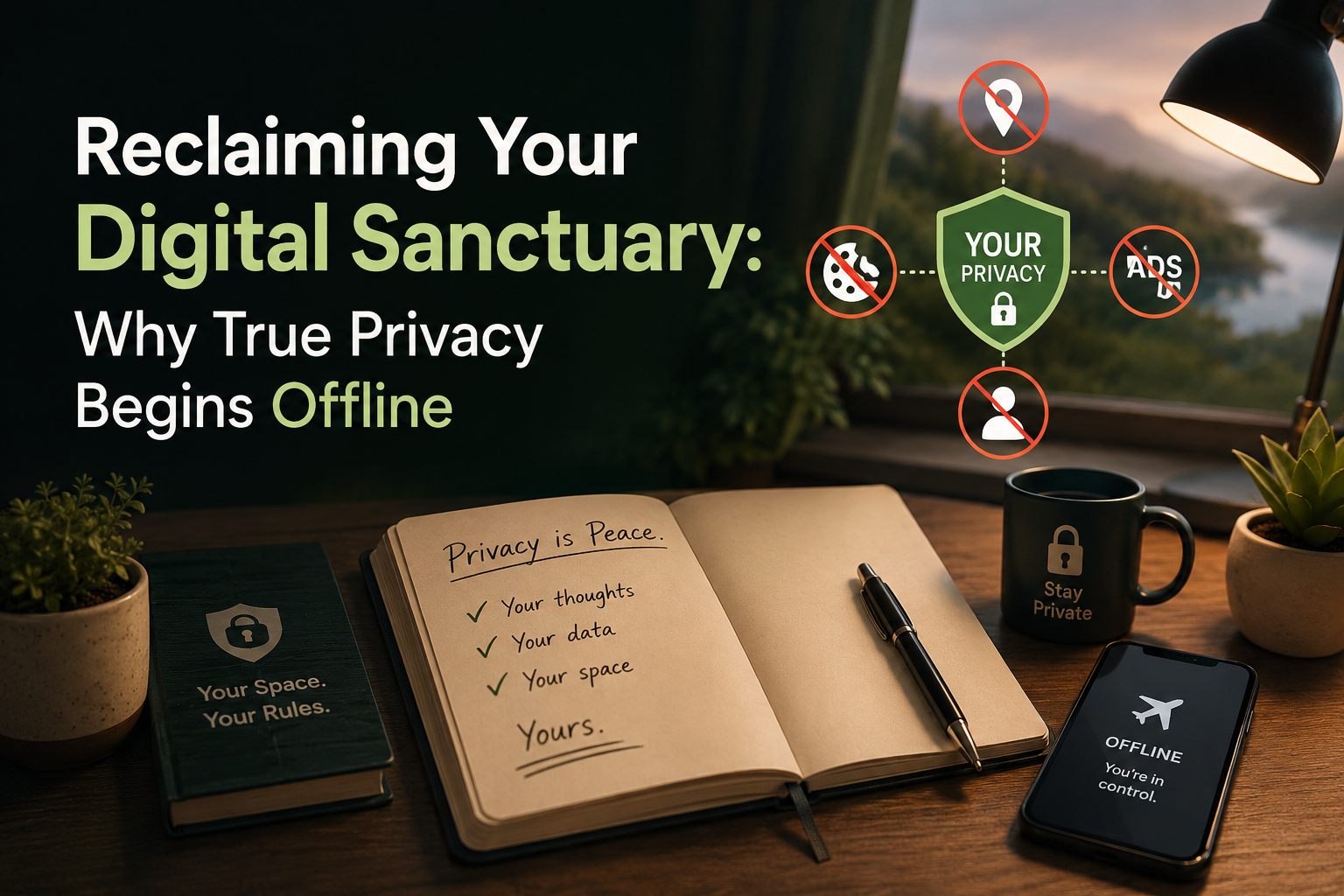
Reclaiming Your Digital Sanctuary: Why True Privacy Begins Offline
There is a strange paradox at the heart of modern digital life. We put heavy deadbolts on our front doors, draw our living room curtains at night, and instinctively shield our ATM PINs with a cupped hand. Yet when it comes to our most intimate intellectual property—our daily journals, business ideas, financial checklists, engineering sketches, and personal diaries—we routinely hand them over to tech conglomerates to be analyzed, indexed, and stored on servers thousands of miles away.
For the last decade, the software industry has convinced us that convenience requires surrender. We have been conditioned to believe that if we want our notes to be accessible, resilient, and well-organized, we must accept continuous cloud syncing, mandatory account registrations, background data harvesting, and targeted advertisements.
But that tradeoff is a false dilemma. As data breaches become routine news and cloud privacy policies grow increasingly aggressive, a quiet revolution is taking place. People are realizing that the most powerful digital privacy strategy isn't about configuring better cloud settings—it is about removing the cloud entirely and returning to local-first, hardware-backed data sovereignty.
The Cloud Trap: Why Your Journal Shouldn't Live on a Server
To understand why local-first note-taking is essential, we have to look at what actually happens when you type a note into a standard cloud-connected productivity application.
When you hit save, your text doesn't just sit on your phone. It is packaged, transmitted across the internet, replicated across multiple remote data centers, and tied permanently to an online user profile. Along the way, it is often scanned by automated algorithms designed to train machine learning models, target advertisements, or monitor user behavior.
This architecture creates three glaring vulnerabilities:
- The Attack Surface: Cloud databases are high-value targets for cybercriminals. Even if your personal password is strong, your data is only as secure as the server farm hosting it. A single backend breach can expose millions of journals, checklists, and private documents at once.
- Policy Overreach: Terms of service change constantly. An application that promises strict privacy today can easily update its policies tomorrow to allow third-party AI training on your personal notes and sketches. Once your data lives on remote servers, you lose meaningful ownership.
- Connectivity Dependency: Cloud-first tools fall apart when you lose internet access. Syncing delays, unexpected account log-outs, and server outages can lock you out of your own thoughts right when you need them most.
- The Privacy Maxim: If a company's servers hold the keys to your notes, you don't own your data—you are simply leasing storage space from someone who does.
The Local-First Revolution: True Data Sovereignty
The antidote to cloud surveillance is deceptively simple: take the internet out of the equation.
A truly privacy-focused digital workspace is built on an offline-first engine. In this model, your device is not merely a display window for a remote server; it is the vault itself. When you write a diary entry, sketch an architectural blueprint, or draft a sensitive checklist, that data never leaves your hardware unless you explicitly choose to export it.
Why Offline Architecture Wins
When you compare a conventional cloud application to a privacy-first local workspace, the advantages of removing the server become immediately clear across every dimension of the user experience:
- Absolute Data Sovereignty: Conventional cloud apps store your information on remote company servers, leaving it vulnerable to external data breaches and policy changes. A local-first workspace stores your database exactly on your physical hardware, meaning nobody can access your files unless they physically hold your device and know your decryption keys.
- A Zero-Account Philosophy: Traditional tools force you to register with an email address, phone number, and user profile just to start typing. A true privacy workspace requires zero accounts, zero logins, and zero onboarding trackers. You open the application and start creating immediately, leaving no identity footprint behind.
- Zero Tracking and No Ads: Standard note apps often rely on behavioral advertising banners and data monetization to turn a profit. A secure local workspace is 100% ad-free and stripped of all background analytics, ensuring your habits are never monitored or sold.
- Unbroken Accessibility: While cloud tools suffer from sync delays, loading spinners, and offline lockouts, a local-first workspace delivers instant, high-performance access anywhere—whether you are deep underground in a subway or on a remote flight.
- Private On-Device Processing: Instead of beaming your notes to remote cloud APIs for handwriting analysis or search indexing, modern local workspaces process everything directly on your device processor. Your thoughts are analyzed locally and stay entirely on your hardware.
By eliminating servers, mandatory user accounts, and background analytics, a local-first workspace reduces your external data footprint to absolute zero. There is no cloud-sync lag, no risk of server leaks, and no subscription trap holding your notes hostage.
The Anatomy of an Uncompromised Digital Workspace
Privacy is not just about where data is stored; it is about how rigorously it is defended against physical and digital intrusion. The ideal personal workspace combines military-grade cryptography with intuitive, everyday functionality.
1. Database-Level AES-256 Encryption
It is not enough to simply hide a file in a hidden folder. Truly secure offline tools utilize AES-256-CBC database encryption. This standard encrypts the underlying data structures at the hardware level, ensuring that even if someone connects your device to a computer or attempts a file-system extraction, the contents remain completely unreadable without your decryption key.
2. Multi-Layered Biometric and Passcode Defense
Physical privacy matters just as much as digital security. A robust note workspace protects your personal journal behind a custom 4-digit passcode, fingerprint verification, or facial recognition. Advanced guardrails—such as anti-deletion security, passcode lockout protection, and animated padlock interfaces—prevent unauthorized tampering if your unlocked phone ever falls into the wrong hands.
3. Privacy-Safe Home Screen Widgets
One of the most common ways privacy is compromised is over-the-shoulder snooping in public spaces—whether on a train, in a coffee shop, or at an office desk. The best privacy tools solve this by offering privacy-safe widgets. You can pin essential checklists or notes directly to your home screen for rapid access, but locked items automatically mask their titles and preview text until you authenticate.
Beyond Words: Visual Thinking Without Surveillance
Human creativity isn't linear, and it certainly doesn't fit neatly into plain text boxes. Engineers, students, artists, and visual thinkers need to diagram ideas, draw blueprints, and sketch concepts.
Historically, digital drawing and sketching applications have been among the worst offenders when it comes to bloat, advertisements, and aggressive telemetry. Integrating a professional vector drawing canvas directly into a secure offline notepad changes the creative landscape.
When visual canvases are built into a secure local workspace, you gain access to pressure-sensitive pens, watercolors, highlighters, and precision tools without sacrificing an ounce of privacy. Whether you are sketching on lined paper, dotted grids, music sheets, or engineering blueprints, your visual workflows integrate seamlessly into your main timeline—protected by the exact same AES-256 encryption as your written diary.
On-Device AI: Intelligence Without Leakage
The rise of artificial intelligence has sparked a massive wave of privacy concerns, and for good reason. Most modern AI tools operate as giant data vacuums, requiring you to upload your sensitive notes, handwritten scribbles, and private brainstorms to corporate servers for processing.
However, the latest advancements in mobile hardware have made a far superior approach possible: offline, on-device AI.
By utilizing optimized machine learning models that run entirely within your phone's processor, a privacy-first workspace can perform complex tasks—like handwriting recognition—without a single byte of data leaving your device. You can write out notes by hand on your sketchbook canvas and instantly transform them into clean, editable text.
Because the neural processing happens locally on your hardware, your handwriting, your vocabulary, and your personal thoughts are never transmitted to a remote API. You get the utility of cutting-edge technology without becoming the product.
A Clean Workspace: Why "Ad-Free" is a Privacy Requirement
It is easy to dismiss advertisements in software as a mere visual annoyance, but in a note-taking application, ads are a direct security liability.
To serve targeted ads, software must include third-party tracking SDKs (Software Development Kits) that monitor how often you open the application, how long you stay, and how you interact with different features. These tracking modules create backdoors that undermine the integrity of an offline environment.
A true professional workspace must be 100% ad-free. No banner ads, no pop-up video commercials, and no hidden analytics. Beyond the obvious privacy benefits, stripping out tracking scripts results in a dramatically faster, memory-cached, multi-threaded application. Notes load instantly, battery drain is minimized, and your focus remains completely unbroken whether you are working in bright daylight or crisp dark mode.
True Data Ownership: Exporting on Your Terms
One of the definitive tests of any software's respect for your autonomy is how easily it lets you leave. Surveillance-driven platforms deliberately build walled gardens, making it difficult to export your notes in standard formats so you feel trapped into staying.
A user-respecting, local-first application takes the opposite approach. It treats you as the rightful owner of your database. You should always have the freedom to export your encrypted records, journals, and drawings into universal, professional formats:
- PDF and Markdown for long-form documentation and archiving.
- TXT for universal plain-text portability.
- High-Res JPEG and Transparent PNG for vector drawings and sketches.
- Encrypted Database Backups that can be safely stored on your own physical drives without cloud intermediation.
Conclusion: Investing in Peace of Mind
Digital privacy is not about having something sinister to hide; it is about recognizing that your personal thoughts, creative sketches, and daily workflows deserve a sanctuary.
When we rely on cloud-tethered, ad-supported apps to hold our lives together, we trade our intellectual property and peace of mind for an illusion of convenience. But when we shift to a premium, offline, encrypted workspace—one built on local storage, hardware-level AES-256 encryption, on-device AI, and zero server tracking—we reclaim total control over our digital lives.
Your thoughts are your business. By choosing tools that respect your boundaries, keep your data strictly on your device, and operate completely offline, you ensure that your private world remains exactly where it belongs: in your hands alone.
powered by:- PrivNotesPro