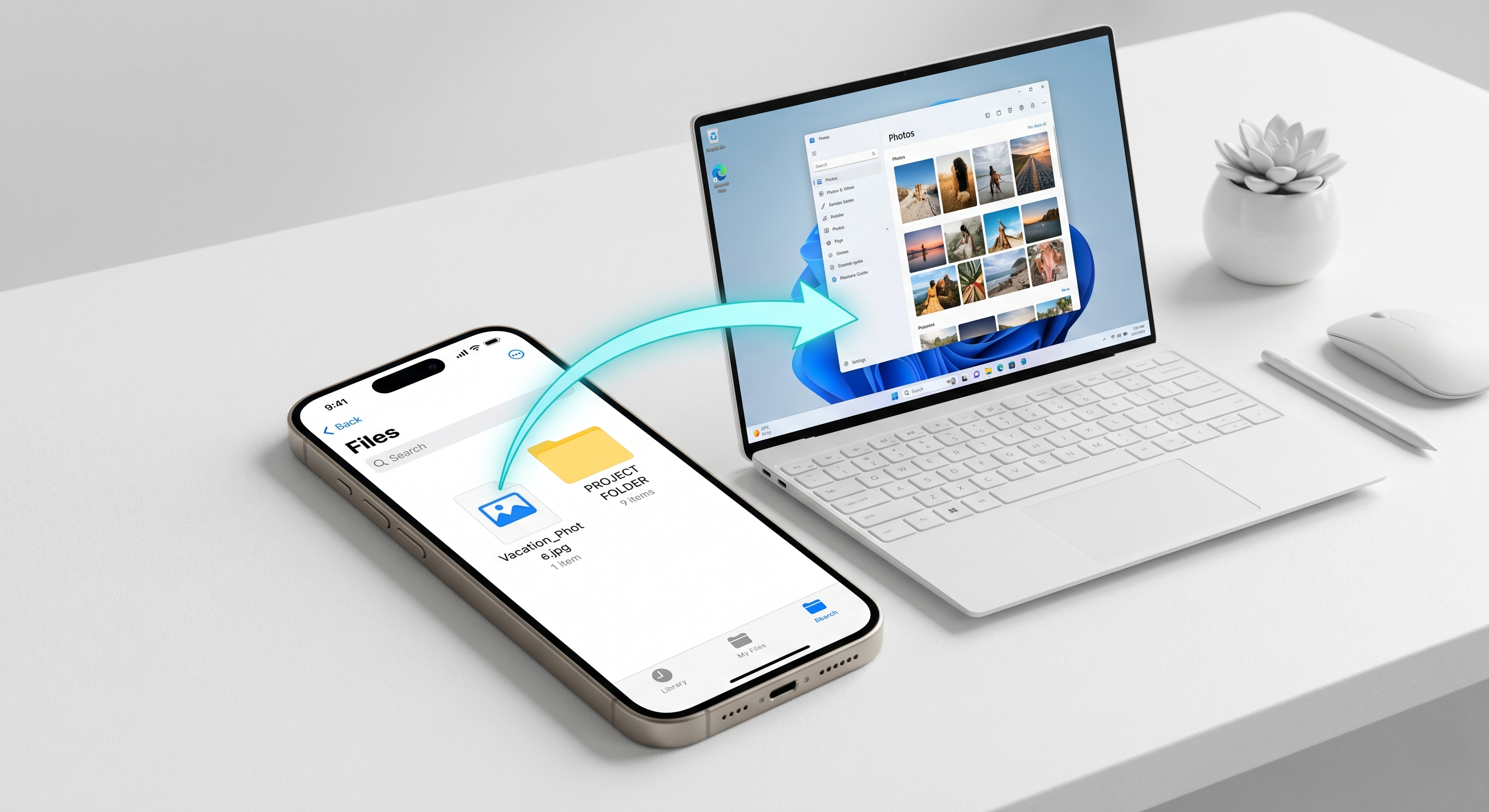
Apple’s HEIC (High Efficiency Image Coding) is great for saving space on your iPhone, but it’s a total headache when you try to open those photos on an older Windows PC or share them with friends who don't use Apple.
You try to open the file, and your computer says "File format not supported." Frustrating, isn't it?
You could download a bulky software pack, but that's overkill. The fastest way is to convert those HEIC files to standard JPGs. With our tool here at Priv Converter, you can drag 100 iPhone photos into the box and turn them into JPGs in seconds. The best part? Since it happens locally on your device, the quality stays high and your personal photos stay private.
Quick Tip: Check your iPhone settings under Settings > Camera > Formats. If you want to avoid this in the future, select "Most Compatible."