5 AI Tools That Will Actually Save You 10 Hours a Week
We are living in the golden age of artificial intelligence, yet somehow, most of us are still drowning in busywork. You have likely heard the endless hype: AI is going to change the world, revolutionize your industry, and do your laundry. But when you are staring down a calendar double-booked with meetings and an inbox overflowing with unread threads, "changing the world" takes a backseat to simply surviving the workday.
The problem with the current AI conversation is that it often focuses on abstract possibilities rather than concrete, immediate relief. You do not necessarily need an AI that can write a symphony; you need an AI that can stop you from wasting three hours a day on repetitive tasks, endless scheduling loops, and mindless data entry.
What if you could actually claw back 10 hours a week? That is an entire workday handed back to you. That is two hours a day reclaimed for deep work, strategic thinking, or simply logging off early to spend time with your family.
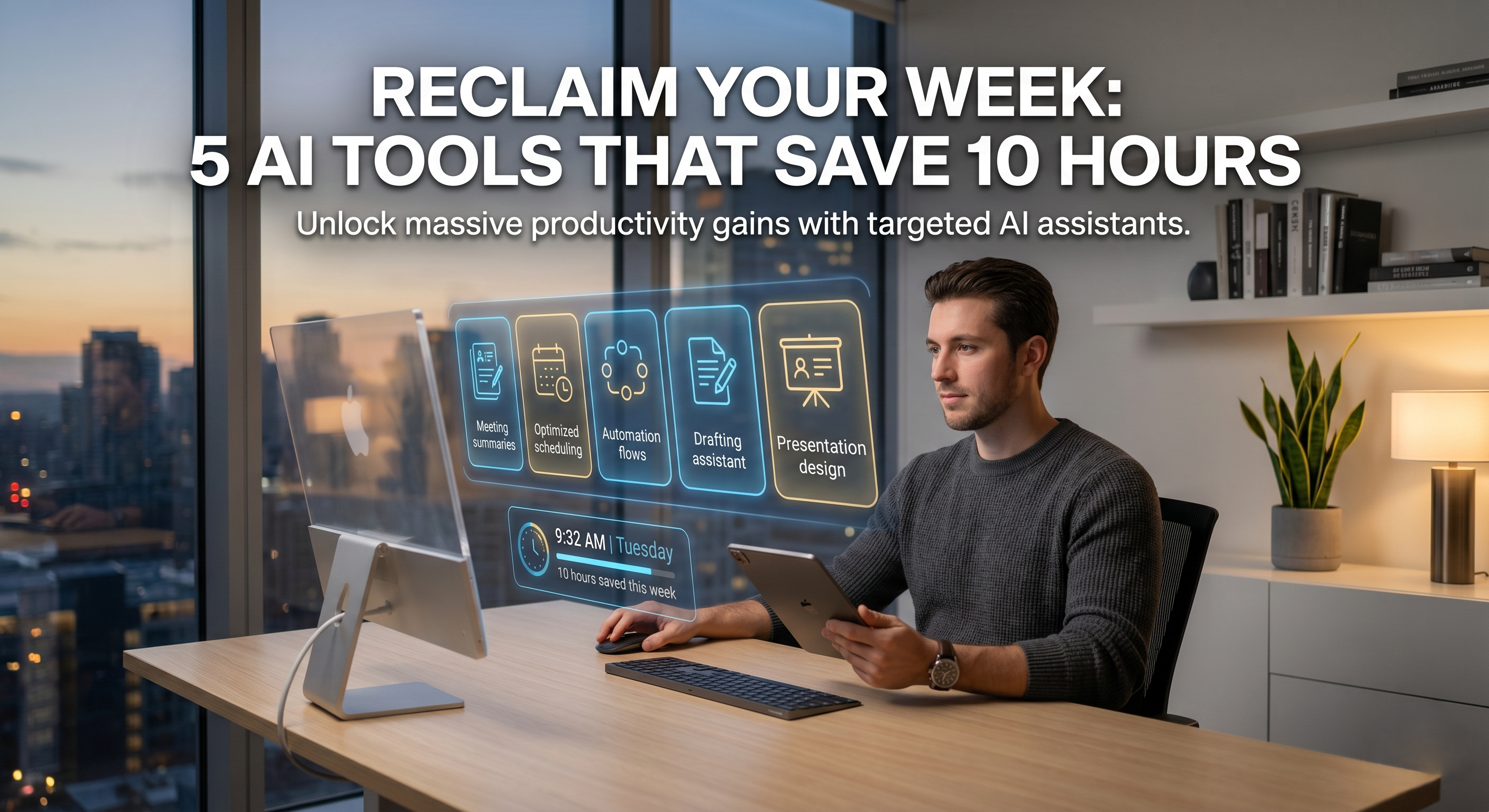
Getting there does not require overhauling your entire life or becoming a machine learning engineer. It just requires integrating a few highly specific, purpose-built AI tools into your daily workflow. Here are five AI tools that will genuinely save you 10 hours a week, moving you from chronically overwhelmed to quietly hyper-productive.
1. The Meeting Eliminator: Fireflies.ai
The Problem
The average person who works with information spends about 10 to 15 hours a week in meetings.
And worse, at least a third of those meetings are just for information — meaning you sit there listening, taking random notes, and losing focus on your real work.
The Solution
Fireflies.ai is an AI assistant that joins your Zoom, Google Meet, or Microsoft Teams calls.
Unlike old software that just writes a huge block of text that's hard to read, Fireflies uses smart AI to understand what's being said. It creates clear transcripts and smart summaries. It automatically finds what needs to be done, what decisions were made, and what questions were asked. You can even look through all your old meetings to find specific topics or words.
How it Saves You Time
Instead of going to a meeting for a "status update" where you only need 5% of the info, you can say no and get a short summary later.
You can read a 5-minute summary instead of sitting through a 60-minute call. Also, you won't have to spend 20 minutes after a meeting writing and formatting notes — Fireflies does that right away.
Estimated Time Saved: 3 hours a week (by skipping 2 unimportant meetings and avoiding manual note-taking).
2.The Calendar Commander: Motion
The Problem
Think about how much time you waste trying to fit things into your calendar like it's a puzzle.
When a new project comes up, you have to figure out where to put it, move other tasks around, and keep adjusting when something urgent pops up. This kind of "meta-work" (working on how you work) uses up your brain power before you even get to the real task.
The Solution
Motion is an AI assistant that works with your calendar.
Instead of just putting events into Motion, you give it your tasks, their deadlines, how important they are, and how long they take. Motion then looks at your schedule and automatically creates the best daily plan for you.
If a sudden meeting is added, you don’t have to worry.
Motion automatically changes your whole week, moves lower-priority tasks to open slots, and ensures you still meet your deadlines. It also uses "time blocking" to protect big chunks of your day for deep work, keeping people from booking short meetings during that time.
How it Saves You Time
You eliminate all the time spent planning your day, making to-do lists, and deciding what to work on next.
You just open your calendar and start working. It stops decision fatigue and makes your schedule better than any human could.
Estimated Time Saved: 2 hours a week (by getting rid of daily planning, schedule changes, and task prioritizing).
3.The Invisible Intern: Zapier (with AI features)
The Problem
You probably use many apps every day — Gmail, Slack, Salesforce, Google Sheets, Trello, and more.
A lot of your time is spent acting as a human router — copying an email address from Gmail to put in Salesforce, downloading an invoice from Stripe to upload to Google Drive, or sending a message to a team channel when a new lead comes in.
The Solution
Zapier has always been great at connecting apps.
Now, with its new AI features, it’s easier than ever. You no longer need to figure out complicated "If This, Then That" setups.
With Zapier's AI Copilot, you just type what you want in plain English.
For example: "When I star an email in Gmail, summarize it with AI, add the summary as a task in Notion, and send a direct message to my assistant on Slack." Zapier’s AI creates the whole workflow in seconds. It also has built-in AI tools to automatically parse data, write responses, and format text as it moves between apps.
How it Saves You Time
This works like a tireless digital intern working behind the scenes.
By automating routine data entry, notifications, and syncing between apps, you remove the extra work from your daily tasks.
Estimated Time Saved: 2 hours a week (by automating repetitive copying, data entry, and status updates).
4. The First-Draft Accelerator: ChatGPT (or Gemini/Claude)
The Problem
The hardest part of writing an email, a project proposal, a blog post, or a performance review is staring at the blank page.
The "activation energy" needed to move from zero to a messy first draft is huge. Similarly, reading through a 40-page PDF report just to find three key statistics is a huge waste of time.
The Solution
While most people know about generative AI chatbots like ChatGPT, Gemini, or Claude, they usually treat them as just a novelty search tool.
To save time, you should use them as your first-draft generator and reading assistant.
Need to write a difficult email to a client explaining a delay?
Don't spend 30 minutes worrying about the tone. Just input the raw facts into the AI: "Draft a polite but firm email to a client named Sarah. Tell her the project is delayed by one week because the API integration failed. Offer a 5% discount on the next month to apologize." You'll get a perfect draft in two seconds that you only need to adjust.
Need to read a dense 50-page industry report?
Upload the PDF to the AI and ask it to summarize the key findings regarding your specific niche.
How it Saves You Time
You completely bypass the blank page problem.
You turn writing tasks from "creation" (which takes hours) into "editing" (which takes minutes). You also significantly cut down on research and reading time.
Estimated Time Saved: 2 hours per week (accelerating email drafting, report writing, and document summarization).
5.The Instant Designer: Gamma.app
The Problem
Creating a presentation or a pitch deck is notoriously time-consuming.
You spend 20% of your time on the actual content and 80% on formatting, aligning text boxes, finding the right stock photos, and making sure the color palette doesn't look like it was made in 1998.
The Solution
Gamma is an AI-powered alternative to PowerPoint and Google Slides.
You give Gamma a simple prompt, a rough outline, or even paste in a text document, and it generates a fully fleshed-out, beautifully designed presentation in under a minute.
The AI handles all the layout, typography, and image sourcing.
It works with "cards" instead of rigid slides, making it fluid and modern. If you don’t like a specific slide, you can just tell the AI assistant, "Make this more visual," or "Change this bulleted list into a timeline," and the software instantly reformats the entire page.
How it Saves You Time
You completely separate the act of writing a presentation from designing one.
By letting the AI handle the visual work, you can create professional-grade decks, one-pagers, and project updates in a fraction of the time it would take in traditional software.
Estimated Time Saved: 1 hour per week (bypassing slide formatting, layout design, and image hunting).
The Compounding Effect of Reclaimed Time
If you add those hours up, you end up with exactly 10 hours a week.
However, the real magic of using these AI tools isn't just the time saved—it's the preservation of your mental energy.
When you're not exhausted by manual scheduling, mind-numbing copy-pasting, or sitting through pointless meetings, the quality of the hours you do spend working improves dramatically.
How to Get Started: Don’t try to implement all five tools on Monday morning.
That will only add more stress. Pick the single biggest bottleneck in your current week. If your calendar is a mess, start with Motion. If you're stuck in back-to-back calls, start with Fireflies. Use one tool until it becomes a seamless habit, then add the next.
AI is not here to replace you—it's here to free you from the robotic parts of your job so you can focus on the human parts.
Implement these tools, reclaim your 10 hours, and take your life back.